What Is Noreply Email, and When Should You Use It?
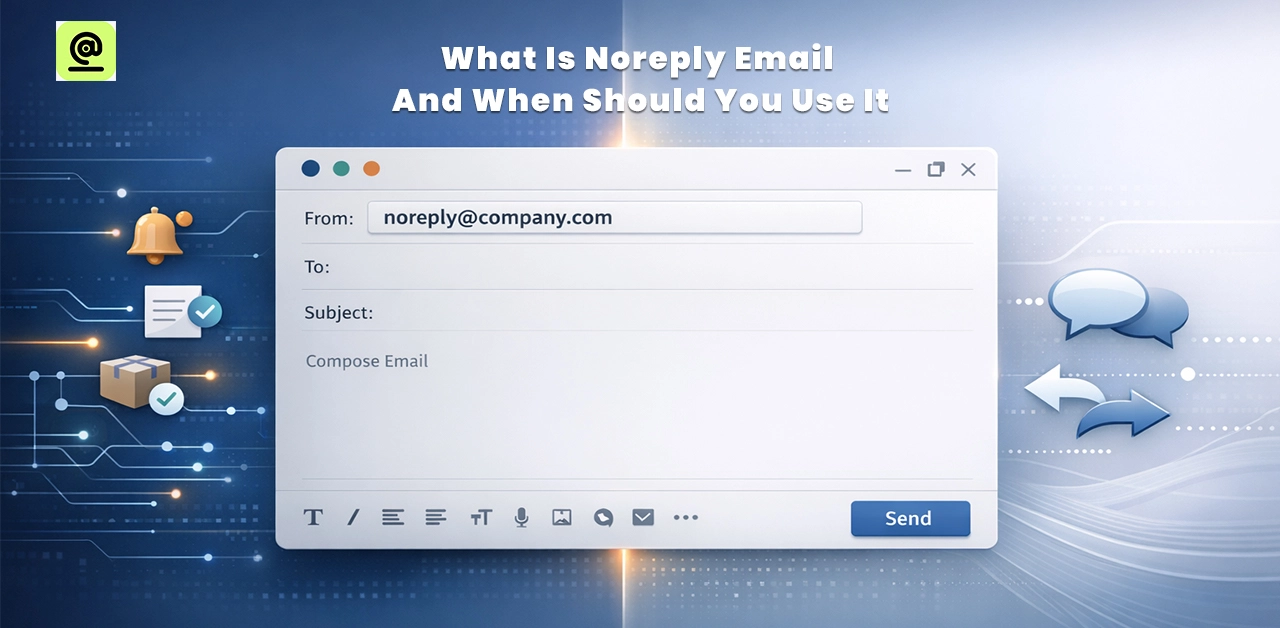
A no-reply email address is one that businesses use to send automated messages without expecting a reply, “This Is an Auto Generated Email Please Do Not Reply”. People often utilize it to confirm orders, reset passwords, get shipping updates, or get system alerts. Businesses may keep their inboxes tidy and keep conversations safe by adopting no-reply emails. But they aren't good for marketing campaigns, requests for feedback, or customer service communications. No-follow emails make communication easier when used correctly and still give customers an obvious way to get help when they need it.
What Does Noreply on an Email Mean? - Do Not Reply to This Email
Companies utilize a no-reply email address to send automated communications like order confirmations, password resets, and account reminders. No one is watching these emails; most replies won't go to a real person. The primary objective is to promptly deliver essential information, maintain organized inboxes, and reduce unnecessary responses. Businesses can handle a lot of messages, keep their systems safe, and make sure that communication goes through the right support channels when they need to talk to customers with no-answer emails.
5 Reasons for Using Noreply Email - “This Is an Auto Generated Email Please Do Not Reply”
- Companies that send thousands of automated emails per day can keep their inboxes from getting too full by employing a no-reply address.
- You don't need to respond to system communications like receipts or password resets, so restricting responses keeps the conversation on track.
- Customer service staff can focus on real help requests instead of going through automated email replies.
- It keeps things organized by keeping automated notifications and customer conversations separate.
- Turning off answers to incoming messages cuts down on spam, phishing efforts, and people getting into inboxes that aren't being watched.
When Should You Use a No-Reply Email and When Shouldn’t You?
When to use
Use no-reply emails for automated messages that don't need a response. Order confirmations, password resets, shipping updates, system alerts, and account notifications are some examples. They assist in keeping support inboxes from getting too full and handle a lot of emails.
When not to use
Don't use no-reply addresses for marketing campaigns, consumer questions, or requests for feedback. People expect to interact with these emails. Using "no reply" here can make people less trusting, less interested, and angry if they demand a speedy answer.
Noreply Email vs Regular Email
| Feature | Noreply Email | Regular Email |
|---|---|---|
| Example format | noreply@brand.com | support@brand.com |
| Two-way communication | No, customers can't reply directly | Yes, Customers can reply instantly |
| Customer response | Feels automated | Feels human |
| Trust factor | May reduce trust over time | Builds transparency |
| Spam risk | Slightly higher | Lower |
Does No Reply Affect Deliverability?
Using an email address that doesn't reply doesn't directly harm deliverability. Email providers care more about the sender's reputation, how well the authentication is set up, the quality of the list, and how engaged the recipients are. No-reply addresses can make it harder for people to communicate, though. When people respond to your emails, it shows that genuine people are interested in what you have to say.
You lose that chance when subscribers can't respond. Over time, less participation may have an indirect effect on where your email ends up in the inbox. It can also make them feel like your brand is less friendly. No-response works well for automated alerts. Using a monitored address like support@ or hello@ for marketing emails, on the other hand, can help keep trust and get people more involved.
Frequently Asked Questions
Why Do Companies Use No-Reply Email?
Companies send automated notifications like order confirmations or password resets using no-follow emails. This setup keeps inboxes tidy and cuts down on the amount of work that needs to be done by hand. Also, it prevents unexpected replies that slow teams down. But brands usually just utilise it for system warnings, not to help customers.
Are Noreply Emails Legit?
Yes, it's okay to get no-follow emails from recognised firm domains. A lot of well-known brands utilise them to automatically update their products. But you should always double-check the sender's address. If the domain appears weird, don't click on any links.
What Happens If You Reply to a No Reply Email?
If you reply to an email that says "no reply," your message probably won't go to anyone. Most systems automatically restrict responses that come in. You might get an automated bounce-back message from time to time. This can be annoying, especially when you need support.
How to Create a Noreply Email in Office 365?
To make a no-response email in Office 365, you need to log in to the admin centre first. Next, construct a shared mailbox with the name noreply@yourdomain.com. After that, turn off login access for safety reasons. Next, put up rules for mail flow to stop replies from getting in. Lastly, check the address to make sure that automated emails sent from it operate.
Final Verdict - “Auto Generated Email Do Not Reply”
A no-reply email is a useful way to send automated, informational messages and not expect anyone to respond. It keeps inboxes neat, cuts down on unneeded support work, and makes sure that system communications are safe. But it's not good for marketing, feedback, or customer service communications, where trust and engagement are most important. Using nofollow wisely makes sure that your team is always available to help clients when they need it.