How to Stop Fake Email Signups on Your Website
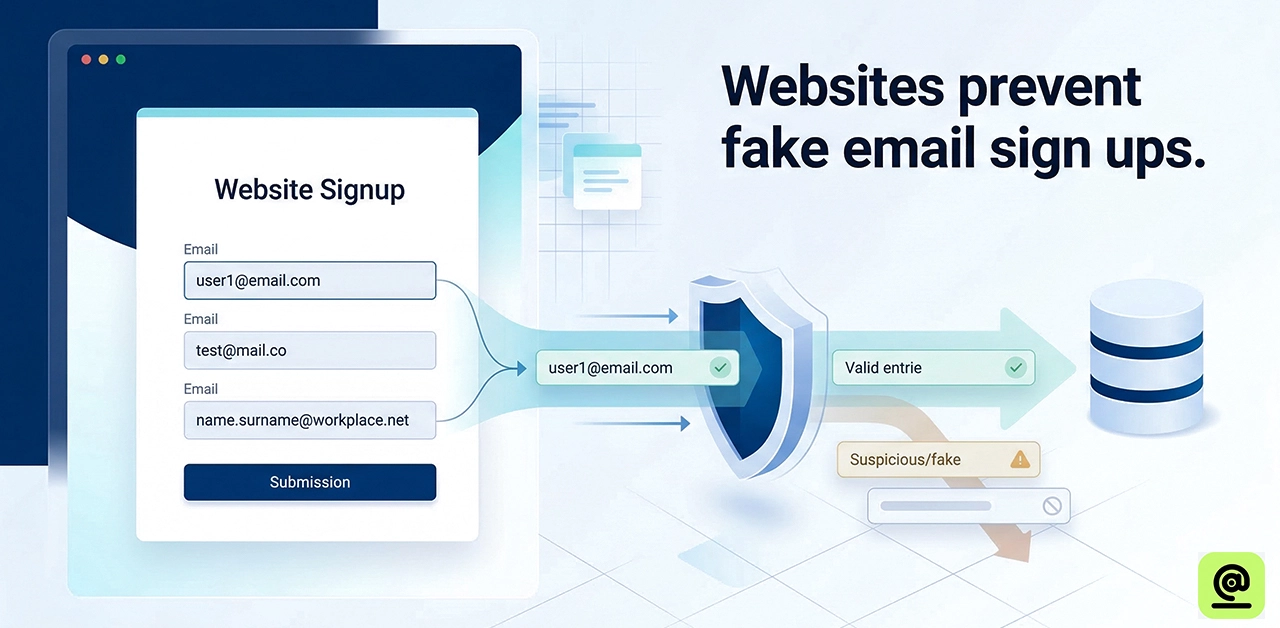
Today, websites are always under attack from smart bots, automated scripts, and "disposable" email services that may discreetly ruin your digital marketing efforts from the inside out. Fake email signups are more than simply annoying; they can hurt your return on investment (ROI). When your database is full of "ghost" people, your sender reputation goes down and your real emails get lost in the spam bin. To keep a "human touch" relationship with your audience that leads to a lot of sales, you need to go beyond basic forms. This article will show you exactly how to find these dangers and use the proven methods to eliminate false signups and keep your brand's deliverability safe.
Why Fake Email Signups Are a Silent Killer for ROI
Fake signups hurt your return on investment (ROI) by ruining your sender reputation. When bots fill up your list, email providers mark you as a spammer and send your legitimate emails to the rubbish folder, where customers never see them. You are wasting money on "ghost" subscribers in your CRM, in addition to delivery problems. These phony leads also mess up your analytics, which makes it impossible to figure out real conversion rates or make smart marketing choices.
5 Proven Ways to Stop Fake Email Signups
- Use Double Opt-In (DOI): The confirmation email is the best way to keep your list clean. When someone registers up, they get a special URL to check their address. This gets rid of bots, "burnable" temporary emails, and mistakes right away.
- Use "Honeypot" Fields: A honeypot is a form field that is concealed from people but may be found by bots. Bots automatically explore and fill up every field in a form.
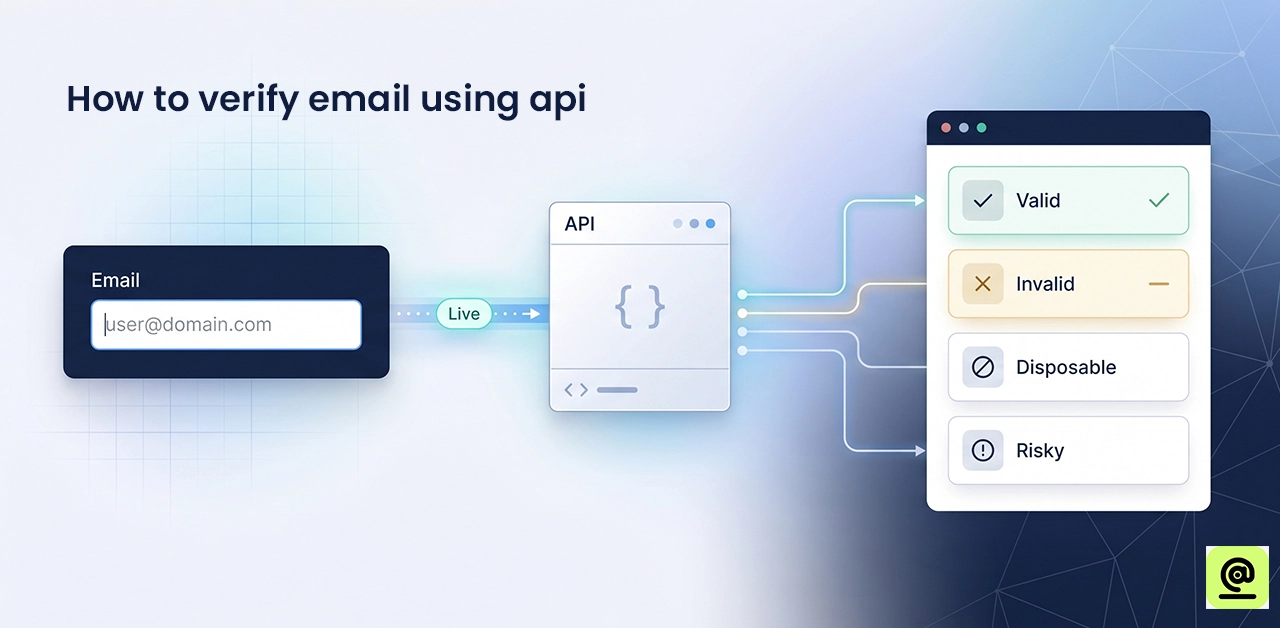
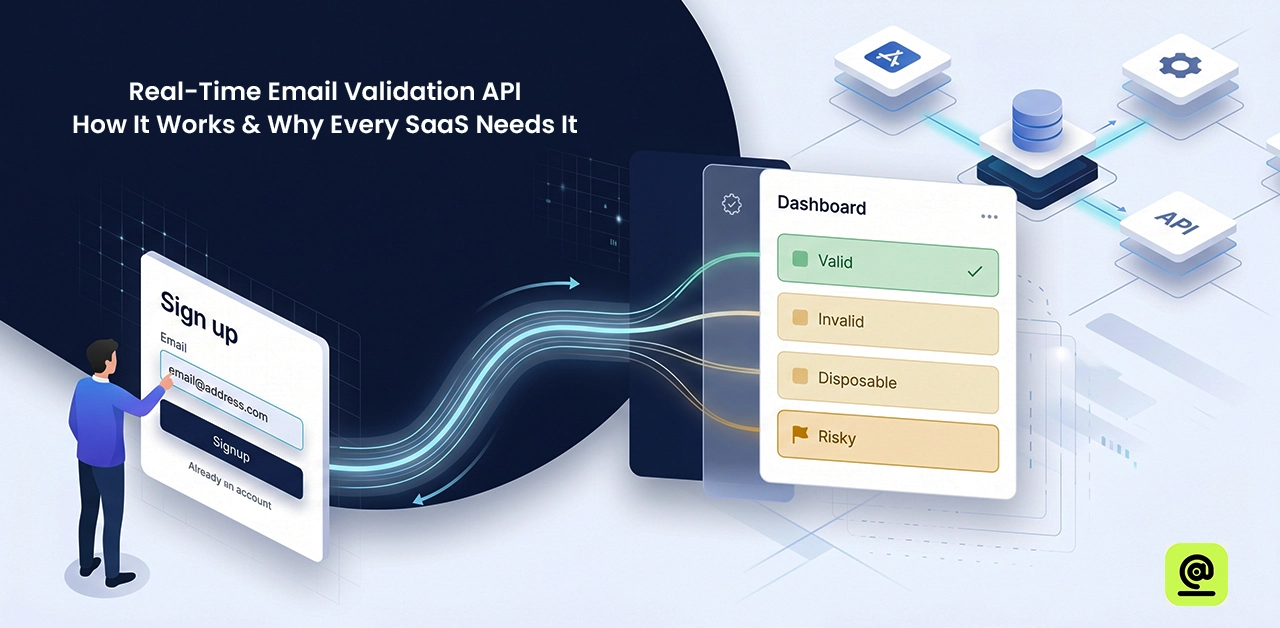
- Use APIs for real-time email verification: Adding a verification API to your website lets it "ping" the email server as soon as a user enters in their address. This checks to see if the domain is real and if the mailbox is working.
- Block Email Providers That Are Known to Be Disposable: "10-minute mail" services are responsible for a lot of bogus signups. You can use validation rules on your forms to block common domains like mailinator.com and temp-mail.org.
- Move up to reCAPTCHA v3: Older versions of reCAPTCHA annoy users with "find the traffic light" riddles. This version runs in the background and is not visible. It gives a "risk score" based on how a person uses your site.
How to clean your existing list?
Cleaning up your current list keeps your expenditures low and your delivery rate high. In short:
- Use a tool to ping all of your databases. You can quickly get rid of "hard bounces" (bad addresses) and "syntax errors."
- Remove generic prefixes like info@, admin@, or support@ from role-based emails. These leads don't usually have a lot of intent and often end up in spam traps.
- Look for people who haven't opened an email in the last 3 to 6 months. If they don't answer one last "re-engagement" message, get rid of them.
- To safeguard your sender reputation, look for and delete addresses from temporary providers like mailinator.com.
How To Identify AI Generated Phishing Emails?
- Perfect Grammar: AI-generated emails don't have the errors or "broken English" of classic hoaxes. They are generally grammatically correct, but they can appear robotic or too professional.
- Hyper-Personalization: Bots might scrape your social media or company site to discuss specific projects, current promotions, or niche details to generate a false sense of trust.
- Artificial Urgency: AI is great at making situations so stressful that you have to click or wire money right away without having time to contemplate.
- Logical Inconsistencies: The wording is fine, but the request often doesn't make sense. For example, a "CEO" might ask for something urgent while they are known to be on a flight.
- Sophisticated Domain Spoofing: AI can build "look-alike" domains (like micros0ft.com instead of microsoft.com) that are hard to spot at first glance.
- Tone that doesn't match: If a coworker who usually sends short, casual messages suddenly sends a long, structured email with perfect punctuation, that's a big red flag.
Are fake signups a problem?
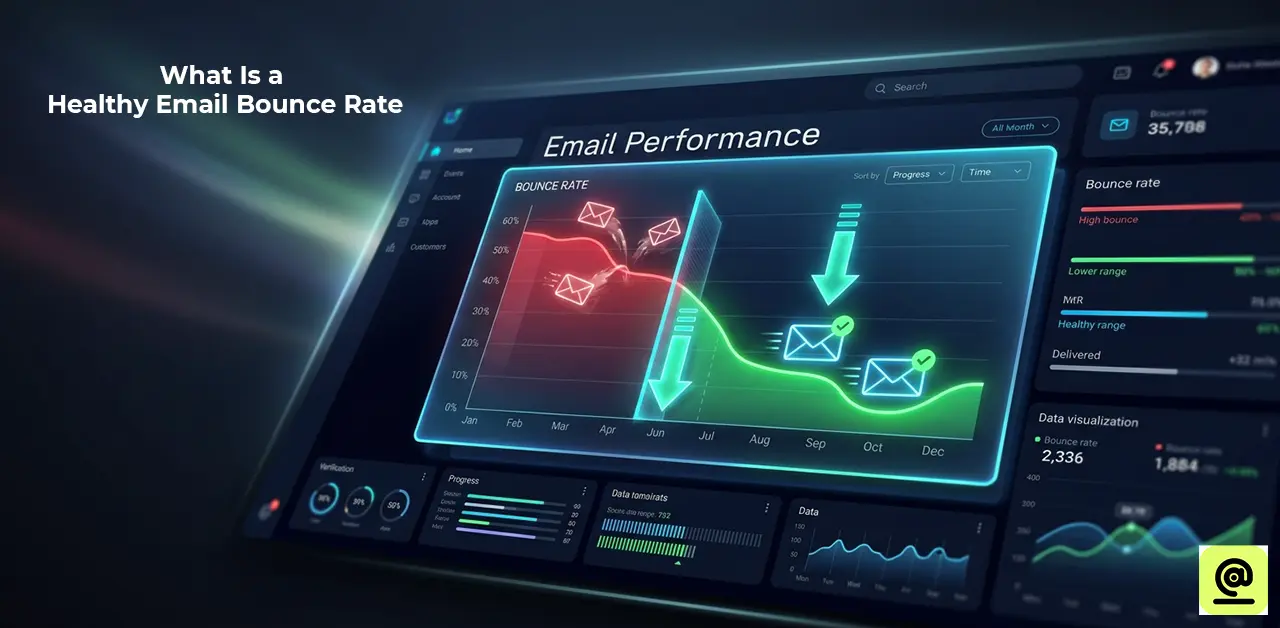
Fake signups are a sneaky way to hurt website growth and marketing ROI. Not only do they add "ghost" individuals to your list to make it look bigger, but they also hurt your sender reputation. When you send newsletters to thousands of fake or "trap" addresses, Email Service Providers (ESPs) like Gmail and Outlook flag your domain as spam. This means that your real emails will end up in the garbage folder. Also, bots might start pricey marketing automation procedures, which means you'll waste your API credits and monthly subscription limits on accounts that will never convert.
Frequently Asked Questions
What To Do If You Respond To A Phishing Email?
Disconnect your device from the internet right away and change the passwords for your accounts. Check your system for malware and let your bank know if you supplied any financial information. Reporting the event to the official portal helps keep such security breaches and identity theft from happening.
Can Bots Bypass Recaptcha?
Yes, advanced bots can get around basic versions by leveraging AI-powered picture recognition or "human farm" solving services. To keep your site safe, utilise reCAPTCHA v3, which analyses user behaviour without them knowing, or real-time API verification to stop smart automated signups.
Will Stopping Fake Signups Lower My Conversion Rate?
It might drop your "raw" signup numbers a little, but your real conversion rate goes higher. Filtering out bots keeps your emails from going to spam and keeps your sales force focused on real leads that make money.
Is It Legal To Delete Fake-Looking Emails From My Database?
Yes, it is permissible and frequently needed to follow the rules of GDPR and CCPA. Keeping your database clean makes sure the info is correct and keeps your sender reputation safe. Regularly deleting inactive or questionable addresses helps you keep user privacy and storage costs low.
Final verdict
A clean list means more people will open your emails, cheaper costs for you, and a strong sender reputation that keeps your emails out of the spam bin. Putting quality ahead of quantity may mean fewer subscribers at first, but in the end, you'll have a high-converting asset that makes money. Be proactive, check things out in real time, and think of your email list as the "human touch" at the heart of your digital approach.