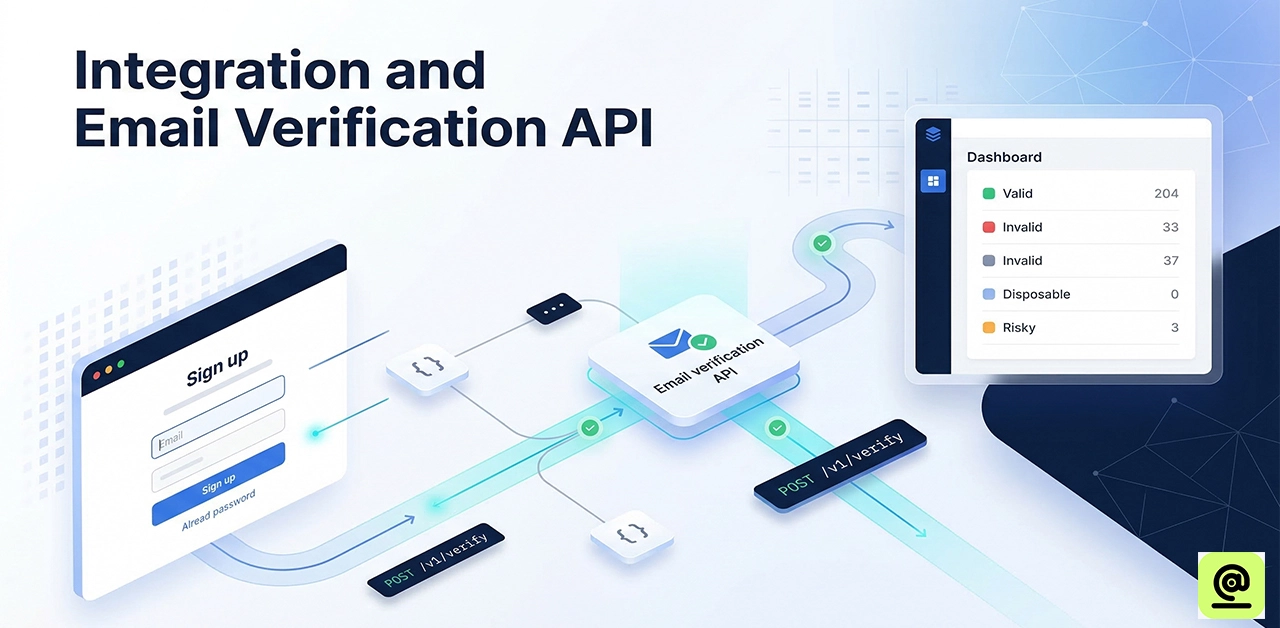
How to Integrate an Email Verification API (Step-by-Step Guide for Developers)
A single disposable email address might ruin your whole sender reputation in today's digital world. For developers in the US, making sure that emails are sent isn't only about having clean lists. It's also about keeping your IP off of Gmail and Outlook blacklists and getting the most out of your marketing budget. By adding an email verification API, you can check users in real time and get rid of disposable addresses before they even get to your database. This article gives you a technical roadmap for using the email verification API.
Why US Developers Prioritise Email Verification in 2026
In the US digital world today, it's not negotiable to keep a good sender reputation. Adding an API like Check365 lets developers:
- Stop fraud by blocking disposable or "burner" emails at the point of entry.
- Make sure marketing funds aren't wasted on "hard bounces" to improve deliverability.
- Help keep data clean, which is necessary for CCPA and business email requirements.
How to Integrate an Email Verification API (Step-by-Step Guide for Developers)
To use an email verification API, you need to send an HTTP request (GET or POST) to a service like Check365 with the email you want to check and your API key. The API sends back a JSON answer that tells you if the email is valid. For signups that happen in real time, use a Single Validation endpoint. For cleaning up big datasets, use a Bulk Validation endpoint with a unique job ID to keep track of how things are going.
Why US Developers Prioritize Email Verification in 2026
In the current US digital landscape, maintaining a high sender reputation is non-negotiable. Integrating an API like Check365 allows developers to:
- Prevent Fraud: Block disposable or "burner" emails at the point of entry.
- Optimize Deliverability: Ensure marketing budgets aren't wasted on "Hard Bounces."
- Data Compliance: Support clean data practices essential for CCPA and commercial email standards.
Step 1: Initialize Your API Environment
Before coding, secure your Check365 API credentials.
- Security Tip: Always store your api_key in an environment variable (.env) rather than hardcoding it into your script to prevent unauthorized access.
Step 2: Implement Single Email Validation for Real-Time UX
For registration forms or lead captures, use the Single Validation endpoint. This provides an immediate "Go/No-Go" decision. The Endpoint: GET https://api.check365.io/api/validation/single-email?api_key=[YOUR_API_KEY]&email=[EMAIL]
How to Parse the JSON Response
When you query the API, you receive a detailed lead object. Key fields to monitor include:
- isValidate: A boolean check for instant logic.
- status: Tells you if the email is active, inactive, or a spam trap.
- emailProvider: Identifies if the user is on Microsoft365, Google, etc.
Step 3: Handle Large Datasets with Bulk Validation
It is not efficient to call the same endpoint over and over again when cleaning up an existing database or a CSV upload. Use the Bulk Upload workflow instead. A. Initiating the Bulk Job Send an array of emails and a unique job_id to https://api.check365.io/api/validation/bulk-upload using a POST request.
Example Request Body
{
  "emails": ["user1@example.com", "user2@example.com"],
  "api_key": "YOUR_API_KEY",
  "job_id": "march_cleanup_001"
}
Step 4: Logic Mapping for Application Workflows
Map the Check365 status codes to appropriate UI activities to make the user experience smooth:
| API Status | Application Action | User Experience |
|---|---|---|
| Active | Allow Signup | Proceed to Dashboard |
| Invalid | Block & Alert | "Please check your spelling." |
| Spam Trap | Hard Block | Silent failure or block to protect IP. |
| Inactive | Verification Sent | Trigger a Double Opt-In (DOI) email. |
Step 5: Advanced Error Handling and Timeouts
In production environments, network latency can occur. Ensure your integration includes:
- Timeouts: Set a 2-3 second limit for single lookups.
- Graceful Failures: If the API is unreachable, consider allowing the user to sign up but flag the account for "Delayed Verification."
- Rate Limiting: Protect your API credits by implementing rate limiting on your own signup endpoints to stop bot attacks.
Frequently Asked Questions
What is the best email verification API for developers?
In 2026, Check 365 is the best choice since it is accurate and has a lot of free features. It also has documentation that is easy for developers to understand.
Does email verification prevent all bounces?
No, it stops "hard bounces" that happen when addresses are not legitimate. "Soft Bounces" (such when the inbox is full or the service is offline) can still happen after integration.
Should I verify emails on the frontend or backend?
Always check on the back end. Bots can simply get over frontend verification, which makes your confidential API keys public.
How do I check the status of a bulk email list?
You need to utilize the job_id that you got during the bulk upload and ask the bulk-status endpoint. When it's done, the API will send back a percentage of completion and the validated data array.
Final verdict
In the US market, where the sender's reputation affects where their emails go, a clean list is the best method to stay off blacklists and avoid high bounce rates. The Check365 integration gives you the level of information you need to grow responsibly, whether you're developing a B2B platform that filters for professional email types or a consumer app that blocks spam traps.
.webp)

