Office365 Email Checker - Verify Email Address Without Sending Email
Managing email lists can be difficult, especially when messages bounce. An Office 365 email checker simplifies this process by securely confirming addresses. It helps emails reach their intended recipients and reduces wasted effort. Businesses that use it often experience smoother campaigns and more engagement. With digital communication becoming increasingly crucial, understanding how this tool works is critical for every modern organisation.
How Office365 Email Checker Works?
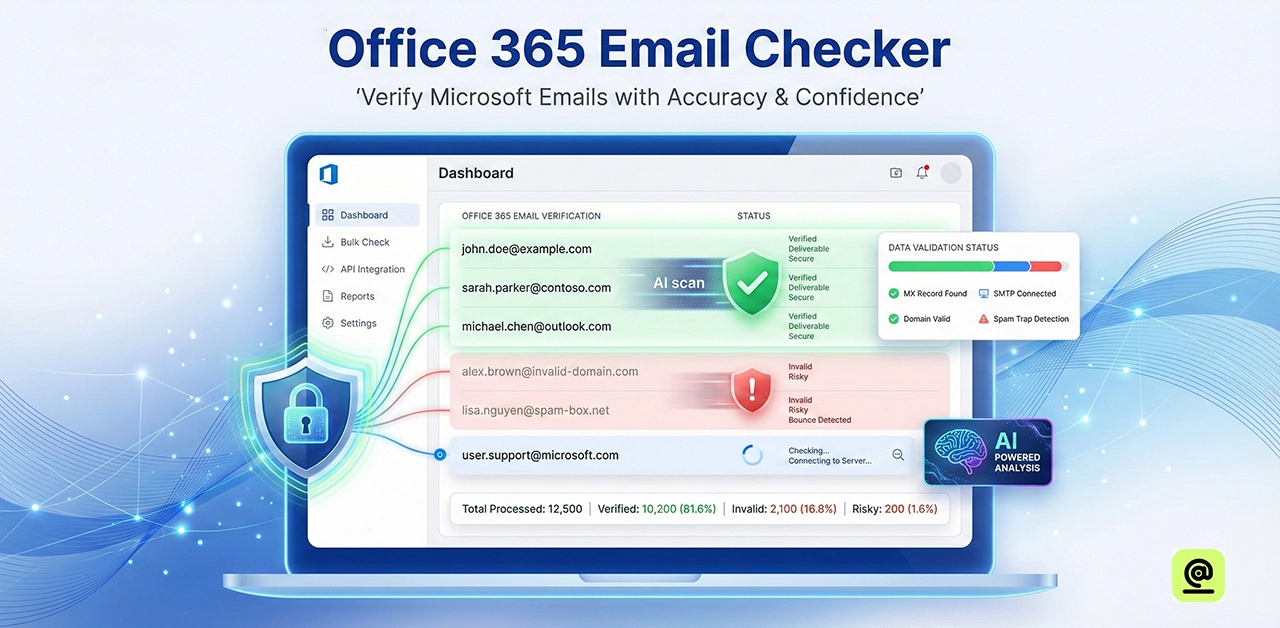
Office 365 email checkers ensure email addresses may safely receive messages. They begin by validating the address format to ensure it is correct. Then they validate that the domain's mail server exists and can accept emails. Many checkers utilize SMTP verification to determine whether the mailbox is active. They can even identify role-specific or throwaway emails that may cause delivery issues. Results appear rapidly on a dashboard.
This procedure saves organizations time and preserves the sender's reputation. Many technologies additionally offer API access, which enables automated verification during signups or data imports.
Benefits Of Using An Office365 Email Checker In 2026
Using an Office 365 email checker in 2026 protects enterprises' email reputation. It reduces bounce rates by deleting inactive or invalid addresses and more successful marketing. Marketers also feel more confident knowing that their emails are delivered to real inboxes rather than dead ends.
As spam filters become more sophisticated, email checkers play an increasingly important role in deliverability. Verified lists increase confidence with Microsoft servers, resulting in better inbox placement and open rates. For businesses, this results in improved communication.
Security is more critical than ever. Microsoft 365 email checkers validate addresses without sending emails, keeping data confidential. This is especially important for US companies, where compliance requirements are more stringent than ever.
Another obvious benefit is time savings. Automated checks eliminate the need for manual list cleansing. Teams can concentrate on growth rather than correcting errors. API access enables real-time verification of signups and imports.
Best Zerobounce And Neverbounce Alternatives In USA
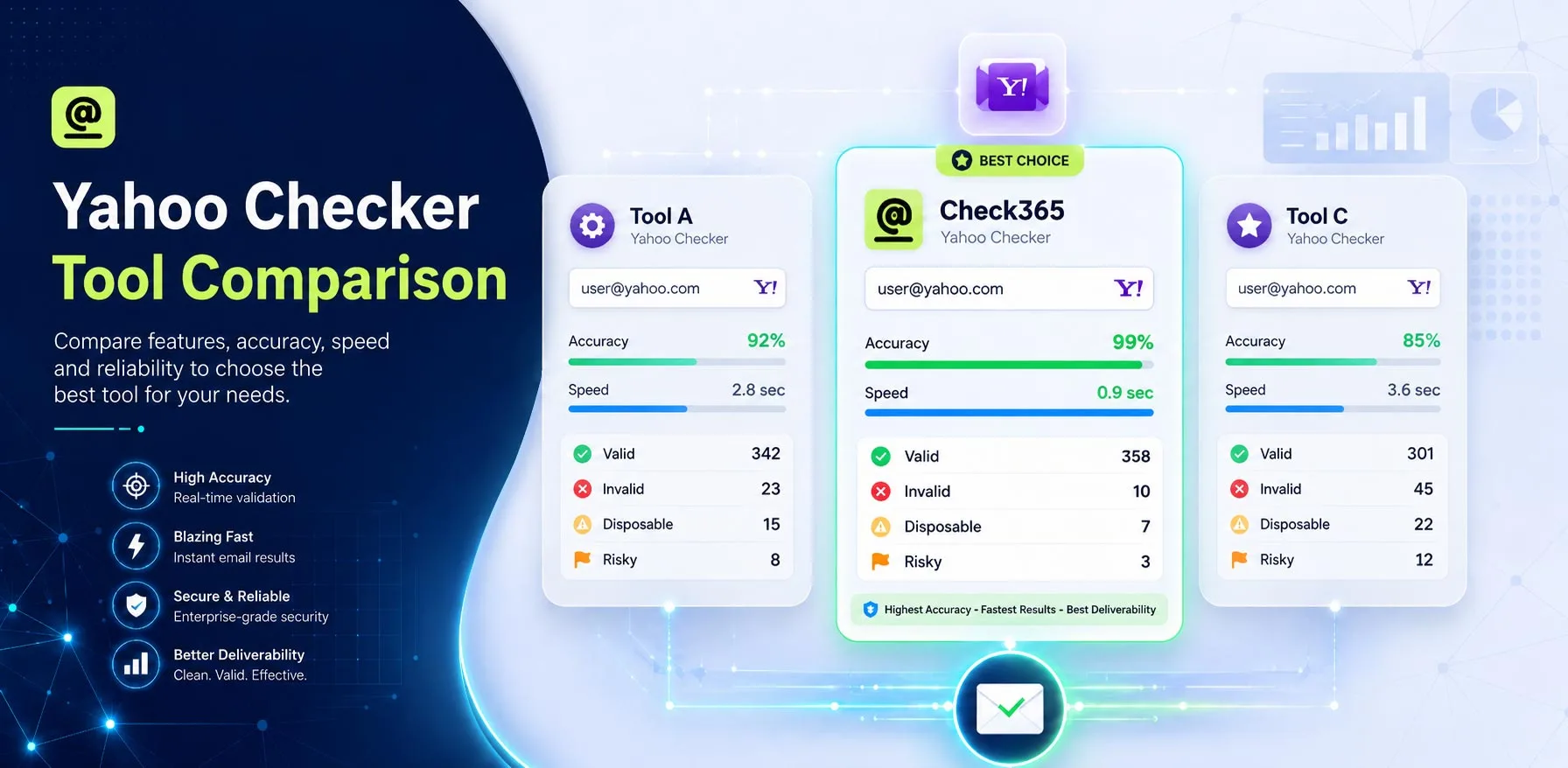
Choosing the best option between ZeroBounce and NeverBounce in the United States requires accuracy. Many firms now prefer solutions created expressly for Office 365. Check365 differentiates apart since it checks emails within Microsoft platforms. For teams that rely on Outlook on a daily basis, this feels significantly more reliable.
Unlike generic email validators, Check365 analyses actual mailbox behaviour. It does not rely solely on static databases. Instead, it determines whether an address can really receive emails. As a result, bounce rates remain low while the sender's reputation is protected.
How To Choose The Right Office 365 Email Checker For Your Business?
Choosing the correct Office 365 email validator can significantly improve your business's email delivery. Begin with accuracy you'll need a program that identifies legitimate inboxes and filters out invalid addresses. Ensure smooth integration with Office 365 for accurate and timely results.
It's also important to consider ease of use. A basic dashboard saves time and displays pass/fail status without confusing data. Price is crucial, but it shouldn't be the primary consideration. Look for value in the combination of accuracy and reliability. If your team employs automation, an API can save time and ensure that reliable data is fed directly.
Frequently Asked Questions (FAQs)
Why Is Check365 The Best Alternative To Neverbounce?
Check365 works successfully for genuine Office 365 subscribers. It checks emails directly with Microsoft rather than generic databases. It also considers whether emails can be sent, rather than whether the address appears to be correct. Many users trust it because it understands how business emails work. Furthermore, its pricing is reasonable, which is important for developing teams both practically and financially.
What Is SPF, DKIM, And DMARC In Office 365?
SPF, DKIM, and DMARC all safeguard your emails from being misused. SPF specifies who can send emails from your domain. DKIM adds a digital signature to ensure that the email is valid. DMARC specifies what servers should do if these tests fail. Together, they boost trust and help your emails reach inboxes.
Is Microsoft 365 Email Checker Safe For US Businesses?
Yes. A reliable Microsoft 365 email checker is secure for US organizations. Trusted tools do not send emails or keep private messages; they merely check mailbox status. This is important for businesses because privacy rules are rigorous. A dependable main verifier follows data regulations and keeps systems intact, instilling confidence in teams, particularly in regulated industries.
Does Check365 Offer An Email Verification API?
Yes. Check365 offers an API for developers and platforms. It enables systems to automatically check email addresses during signups and reduces manual work. The API works seamlessly with CRMs and marketing applications without affecting the user experience.
Are Email Validators Legal To Use?
Yes, email validators are legal in most nations, including the United States. They do not have access to private inbox content; instead, they examine whether an address is capable of receiving mail. However, it is critical to respect privacy regulations like CAN-SPAM and GDPR.
Final Verdict
An Office 365 email verification tool serves as a trustworthy safety blanket for modern enterprises. It validates email addresses without sending messages or accessing sensitive information. This helps teams reduce bounces while also protecting their sender reputation. At the same time, it increases trust in Microsoft servers, resulting in better inbox placement.