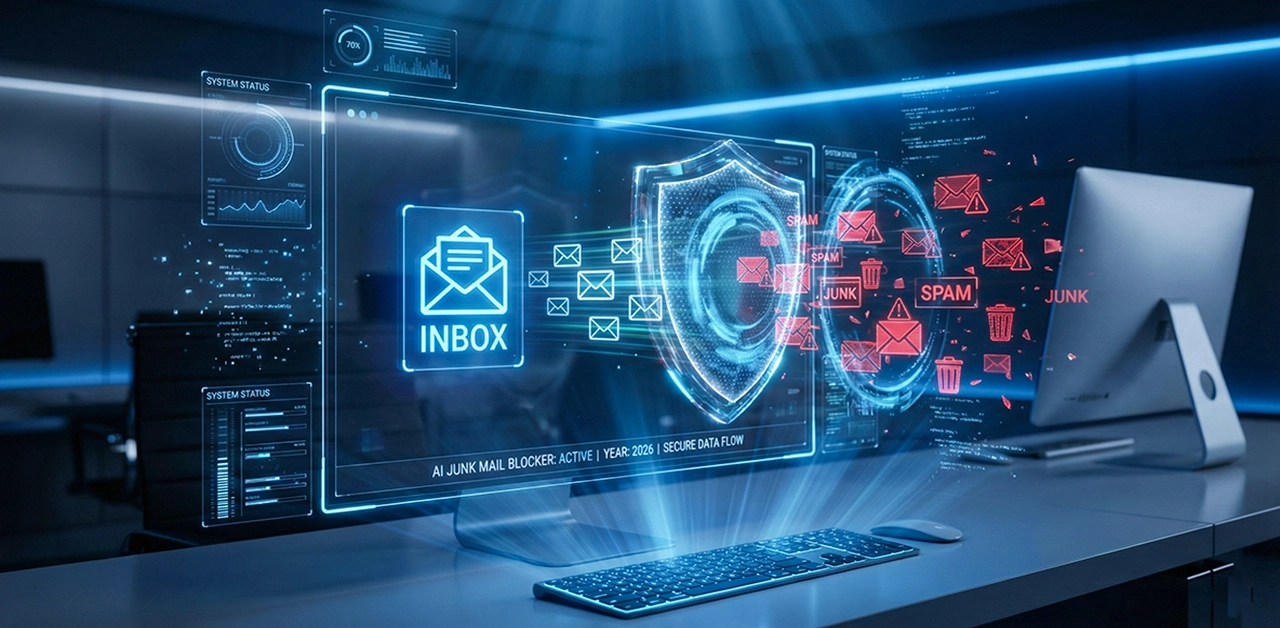
How to Stop Receiving Junk Mail - Avoid Spam Emails
Junk mail can quickly fill up your account and make it look bad. You can't see important messages when you have a lot of unwanted emails in your inbox. Ignoring these messages isn't always safe because some of them contain phishing that could be dangerous. Also it's actually annoying and sometimes a headache-inducing question is, "why am i getting so many spam emails?" There is good news: you can take charge by following a few easy steps. You can stop getting spam emails by learning how to stop and unsubscribe correctly. Taking small steps will not only keep your email clean, but they will also save you time online. With these tips, you can get rid of junk mail.
How to Stop Receiving Junk Mail - Easy Steps
How to stop spam emails? - There are a few easy steps you can take to stop getting junk mail for good. Mark emails you don't want as Spam or Junk to teach your email app what to ignore. You can also make filters or rules that will move suspicious messages out of your main email on their own.
Next, stop getting emails or ads that you don't want. It only takes a moment to click on the clear "Unsubscribe" link in most real emails. People who send you spam may use fake links to trick you, so be careful with emails that feel odd. Having a different email address for sign-ups can help keep things organised. As you keep up with these habits, your inbox will get cleaner and calmer over time. When you open your email, it's nice to see only the important ones.
How Do I Unsubscribe from Junk Emails?
At first open the spam emails and click on the "Unsubscribe" link. It is usually at the bottom of emails from real businesses. A lot of email apps also have a "Unsubscribe" button at the top that you can click. You can be taken off their email list with just one tap.
Watch out for emails that seem odd or pushy. They often hide fake links that track when people click on them. Don't open these texts; clicking on them could make things worse. It's better to get rid of them or mark them as spam so your email app knows what to stop. With Gmail, Outlook, you can stop senders, which gives you more power. When you block someone, they can't send you any more unwanted texts. Your inbox gets lighter and easier to handle over time. You can get back in charge with just a few easy steps.
Where Can I Find the Junk Folder in My Phone?
The junk folder is easy to get to on your phone; it's right in the email app and only a tap away. You won't have to look too hard because it's usually under the main menu.
Step 1: Simply open your email app
Step 2: press the menu or three lines
Step 3: scroll down until you find Junk, Spam, or Trash.
So it's easier to move around, many phones group these folders together. In Gmail, the Spam folder is near the list of all the files. In Outlook, Junk stays in the main tab. Each email account in Apple Mail hides junk mail. Messages that don't seem quite right end up in this folder; it can feel like looking through an old box. It's still important to check because real emails do get sent there by chance. Your inbox will stay clean and stress-free if you check it quickly.
Is Junk and Spam the Same in Gmail?
In Gmail, junk mail and spam are pretty much the same thing. All emails that you don't want to receive are sent to the Spam folder. Every message in Gmail is checked by smart filters to see if it has any harmful content or questionable links. When something doesn't seem safe, it's sent to spam instantly. This helps keep your inbox clean and keeps you safe from messages that are dangerous.
Some people still use the old word "junk mail" to describe it. To keep things easy and up-to-date, Gmail only shows "Spam." To find the folder, open the menu and scroll down. By default, Gmail puts it near the bottom, so you'll find it there. The emails in the box often look jumbled or loud when you open it. Still, you should check it every once in a while because real emails do get sent there by chance. You can keep important messages safe and find them quickly with a scan.
Frequently Asked Questions (FAQs)
How to Stop Spam Emails Outlook?
If you change your Outlook junk settings and stop senders you don't want, you can get rid of spam. You should also mark any unwanted emails as "Not Junk" so Outlook knows what you want. You can keep your inbox clean by setting easy rules to move messages that look sketchy to the trash. It's also important to keep your security settings up to date, since old blockers can't see new tricks. As soon as your inbox looks calm and manageable, you feel better.
Why Are My Emails Going to Spam?
If someone thinks something in your email is dangerous or unwanted, it could end up in spam. It can also happen if a lot of things happen at your address and it gets flagged. When you write your subject lines, make sure they don't sound pushy. Filters also pay attention to tone. Also, check your name settings. Know more “why are my emails going to spam?”
Is It Safe to Unsubscribe from Every Email?
If the person is real and you can trust them, it's safe to unsubscribe. But some spam emails have fake links that are meant to keep track of what you click on. That's why you shouldn't open anything that seems odd or too risky. It's better to delete those messages right away than to click on them, which could bring you more spam.
Why Do I Still Get Junk Mail After Opting Out?
You may still get spam because some marketers don't listen to requests to stop sending them mailings. In addition, messages keep getting lost because older email lists take a while to update. This makes screening even harder because spammers often use random addresses. Outlook will learn your tastes over time if you keep marking those emails as junk.
Final Verdict - How to Stop Receiving Junk Mail
You can get back control of your inbox by marking spam emails as read and unsubscribing from groups. It's also helpful to keep your main email secret and click carefully to avoid future clutter. These habits will make your email calmer and easier to handle over time. It will make you less angry and more focused because it will only hold important messages. With just a few minutes a day, these habits can make your desk stress-free.
.webp)

