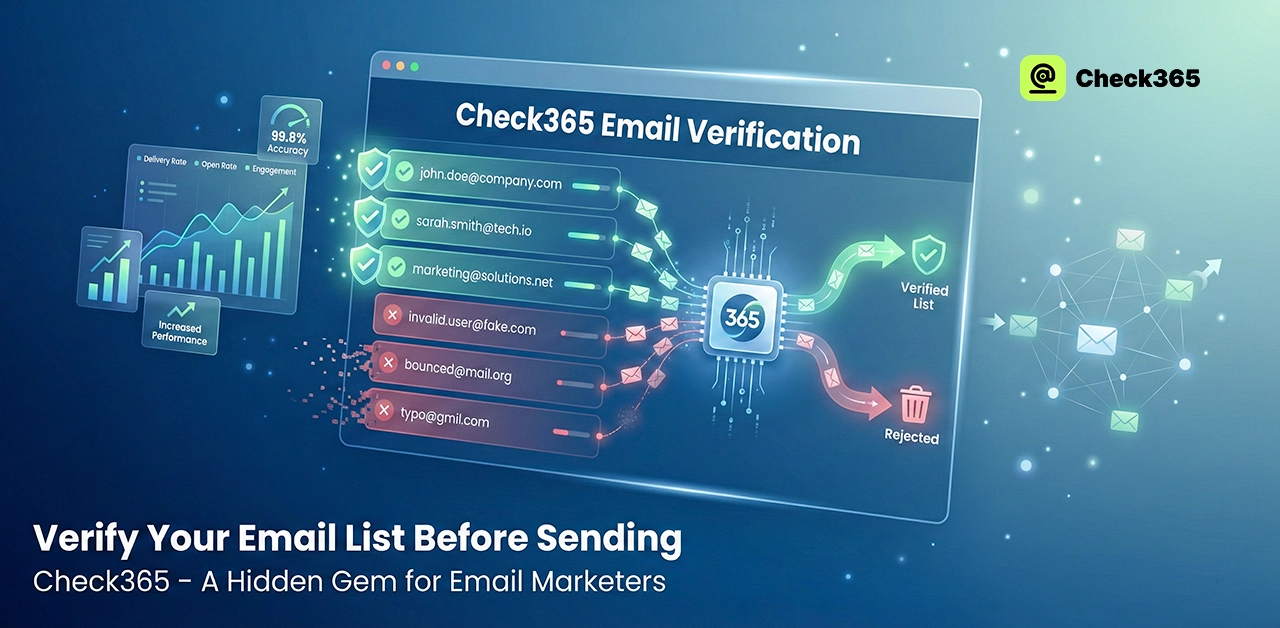
Verify Your Email List Before Sending With Check365 - A Hidden Gem For Email Marketers
Sending emails without checking your list can hurt your campaign and your brand's image. Before marketers hit "send," Check365 makes sure every address is real and current. Cleaning your list lowers bounces, protects your sender image, and increases engagement. For American email marketers, it's a useful gadget that makes ads more successful while still reaching the right people and saving time, money, and stress.
Check If An Email Is Valid Or Not With Check365 - Best Email Marketing Tool
When email marketers know that every address on their list is real and ready to get messages, they feel better about their work. You need to have faith because each send takes work, money, and a little hope that the right people will get your message. Clean lists also help your emails get to the right place instead of getting lost in the spam bin. Before you hit send, Check365 checks everything like a good friend would. It looks at your list and gets rid of emails that are dangerous or don't work. This keeps your sender name safe. Seeing fewer bounces is a real comfort because it shows that real people saw your work.
The tool works fast, so you don't have to wait, and the results are easy to understand. Many marketers say that the first clean report is a moment of calm, like hearing a door click shut safely. You know that your campaign is now safer. Because accurate lists make stronger engagement, Check365 also helps U.S. companies keep trust. When your emails get to real people, you get more opens, better responses, and clearer info. Also, you don't have to pay to send things to fake or dead addresses, so you save money.
Why Email Verification Matters Before Sending?
Email verification is important because it keeps your message safe before it leaves your email. It also protects your brand from damage that happens slowly and quietly and is usually not noticed until it is too late. When you know that every address is real and current, you feel a certain trust, like checking a friend's number before you call to make sure you get the right person.
A confirmed list makes sure your emails go to people who really want to get them. Just knowing this after all the work you put into writing each message is a great feeling. It also helps your emails get delivered, so they go to real inboxes instead of getting lost in spam. Also, verification lowers bounce rates and keeps email providers from calling you a risky user. And it saves money because you don't have to pay to send texts to addresses that don't exist.
How Does Check365 Improve Deliverability For Businesses?
Before you hit "send," Check365 helps you get rid of email addresses that are wrong or could be risky. This alone keeps you from hard bounces, which can hurt your reputation without you knowing. Internet service companies will trust you more, and fewer emails will bounce back when your list is clean. Thanks to that trust, your emails are more likely to land in the inbox and not the trash folder.
It also screens out addresses that are only used for a short time, are meant to be thrown away, or are suspicious but are not noticed. Keeping those out protects your sender reputation, which helps every future ad get to the right place. Unreliable people can't hurt your performance, so you don't have to worry about them.
Check365 works in real time, which means that as soon as someone signs up, they are verified in your system right away. It also cleans up large lists and is easy to connect through API, which means you can handle everything from a single new lead to a huge old list without interrupting your workflow. Only email addresses that are real and can be delivered get through.
How To Verify Your Email List With Check365: Step-By-Step
- Make a Check365 account and sign in.
- On the dashboard, go to either Bulk Upload or Single Verify.
- You can export your list from your CRM as a CSV, XLSX, or TXT file.
- Put the file in the Bulk Upload section.
- Figure out which column corresponds to each email address.
- Choose checks like grammar, DNS, MX, and SMTP.
- Begin the check and keep an eye on the progress on the current screen.
- When the run is done, download the results.
- Sort the data by their status: valid, invalid, risky, catch-all, or unknown.
- Before your next send, get rid of addresses that are risky or incorrect.
- Upload only the emails that you have verified again to your sending tool.
- Allow regular cleanups so that lists stay healthy in the long run.
Frequently Asked Questions (FAQs)
Can I Do Email Verification For Free?
Absolutely! Some tools, like Check365, have free samples or limited free verifications. This lets you see how good your list is before you pay for a plan. Free verification is especially useful for small campaigns because it keeps your sender name safe and stops emails from bouncing.
How To Build An Email List For Marketing?
Start by giving something of value on your website or social media, like a free guide, a discount, or a chance to sign up for a program. Collect emails in a way that is fair, use a double opt-in to make sure people want to get your emails, and split your audience up so you can send targeted ads.
How to Increase Click Rate in Email Marketing in 2026?
Write subject lines that get people's attention and make emails that are based on how users act. Make sure your site has relevant information, is easy to use on mobile, and has clear calls to action. Trying out different formats and times for sending also helps get more people to click and connect. Here is a detail guide about “How to Increase Click Rate in Email Marketing”.
How to Authenticate Email for Better Inbox Placement?
Set up SPF, DKIM, and DMARC records to make sure your emails are real. This shows that your texts are real and helps Internet providers trust them. Proper authentication makes it harder for spam to get into people's inboxes and makes sure that legitimate emails get delivered.
Final Verdict
Check365 makes sure that every message goes to real people and not fake or dead addresses by checking your email list. This easy step keeps your sender image safe, helps more people open your emails, and saves time and money on marketing. For American email marketers, it is a tool they can count on to turn efforts into clear, measurable outcomes. Check365 is useful, quick, and comforting, and it makes sure that your emails always get to the right people.
.webp)

