How To Use Check365 Office Email Checker - Easy Steps
A clean email list makes every campaign work better. Invalid or fraudulent email addresses can raise bounce rates, decrease deliverability and damage your sender reputation. That’s why email verification should be part of every marketing strategy. Check365 Office Email Checker makes it quick and easy. The application helps marketers, business owners, recruiters, sales professionals and others to validate Microsoft 365 and Office 365 email addresses before sending messages. In this article you will learn how to use Check365 Office Email Checker step by step, understand the verification findings and discover how it helps keep your email list accurate, dependable and ready for improved communication.
How To Use Check 365 Office Email Checker?
- Start Check365 Office Email Checker.
- Type or paste the Office 365 or Microsoft 365 email address
- Click the Verify or Check button.
- Please wait a few seconds while the tool checks the mail.
- Check if the verification is valid, invalid, dangerous or disposable.
- Look for more details on mailbox and domain status, if available.
- Scrub bad or dangerous emails from your list.
- Upload a CSV file to check numerous email addresses at once.
- Download the verified results for future emails.
This should be done often to keep your email list clean and boost deliverability.
How To Verify An Email Address In Outlook 365?
Open Check365 Office Email Checker, then input the Outlook 365 email address you want to verify. Now proceed with the verification process and check the findings. The program checks the email for integrity, mailbox condition, domain health, and potential dangers without sending any emails. It helps you to discover invalid or dangerous addresses before you contact recipients.
How To Use Check365 Office Email Checker (Step-By-Step)?
1. Open Check365
Visit the Check365 site and use the Office Email Checker tool. The interface is straightforward and simple to get started even if you are validating email addresses for the first time.
Step 2: Provide An Email Address
In the search box, type or paste the Microsoft 365 or Office 365 email address. Make sure to double-check the spelling before continuing to avoid unnecessary verification issues.
Step 3: Initiate Verification
Click on the Verify or Check button to proceed. Check365 immediately performs a multitude of validation tests on the email address.
Step 4: Review the output
Wait a few seconds for the tool to complete verification. You’ll get a status indicating whether the email is genuine, invalid, hazardous, disposable, or role-based.
5. Understand the email status
Be sure to read the verification report before sending out emails. This allows you to get rid of low quality contacts and keep your email list accurate and dependable.
Step 6: Check Out Bulk Email Lists
To check multiple email addresses, provide a CSV file. Check365 checks the full list and you can obtain the cleaned findings for your future campaigns.
Benefits Of Using Check365 Office Email Checker
- Removes invalid email addresses to reduce email bounce rates.
- It enhances email delivery and inboxing.
- Saves your sender reputation for long-term email success.
- Detects transient and throwaway email addresses.
- Identifies hazardous and invalid email accounts prior to sending.
- Enables bulk email validation for huge contact lists.
- Saves time with quick, automated email validation.
- Ensures CRM and customer databases are kept clean and correct.
- Supports better email marketing campaign performance.
- Eliminates wasted marketing spend on invalid recipients.
- Offers real-time email verification API integration.
- Filters fraudulent email registrations to increase lead quality.
Who Should Use Check365?
If you rely on email communication, our tools will be useful for you. It helps organisations, marketers, sales teams and professionals to check email addresses, reduce bounce rates and keep their contact lists clean and dependable before sending essential communications.
- Email marketers
- Sales teams
- Small businesses
- SaaS companies
- Agencies
- Recruiters
- Ecommerce stores
- CRM managers
Frequently Asked Questions
Can Check365 Detect Disposable Email Addresses?
Yes. Before you send messages, Check365 finds a lot of disposable email addresses. By getting rid of temporary accounts, you can make sure that your emails get delivered, lower the number of "bounces," protect your sender reputation, and keep your mailing list cleaner and more reliable.
Does Check365 Offer Api Integration?
Yes. Check365 has APIs to integrate with websites, applications and CRM systems. It automatically validates email addresses upon sign-up, decreases invalid submissions, improves data quality and saves time by automating email validation in real-time.
How Accurate Is Check365?
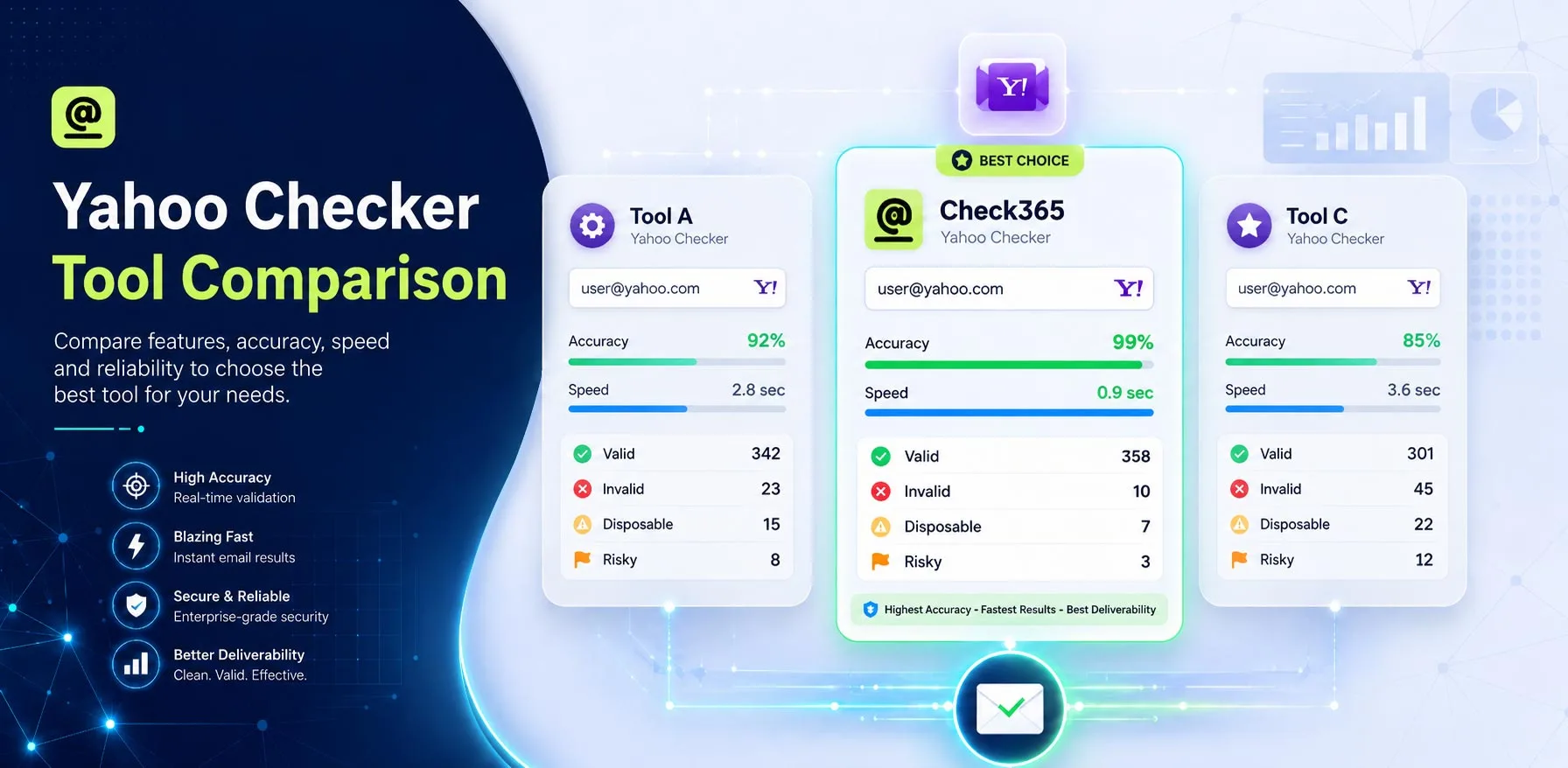
Check365 can check email addresses with up to 99.99% accuracy. Checks the validity of mailboxes, the state of the domain, and any possible risks. Businesses can then lower their bounce rates, make their emails more likely to be delivered, and keep their email lists better and of higher quality.
How Can I Check If An Email Is Fake Or A Phishing Scam?
Carefully look over the sender's email address, click on links only after carefully checking them out, and keep an eye out for urgent requests or writing mistakes. Also, use Check365 to make sure that emails are real, but keep in mind that it doesn't replace learning about scams or following best security practices.
Final Verdict
Check365 Office Email Checker is a fast and reliable solution to check your Microsoft 365 and Office 365 email addresses. It helps to delete invalid contacts, detect problematic or disposable accounts and improve the overall email deliverability. Regular email verification also preserves your sender reputation and helps maintain customer data current. Whether you have a tiny contact list or thousands of business emails, Check365 makes email validation easy and lets you send every message with more confidence.
.webp)